
What if the reason AI keeps giving you average answers isn’t the AI?
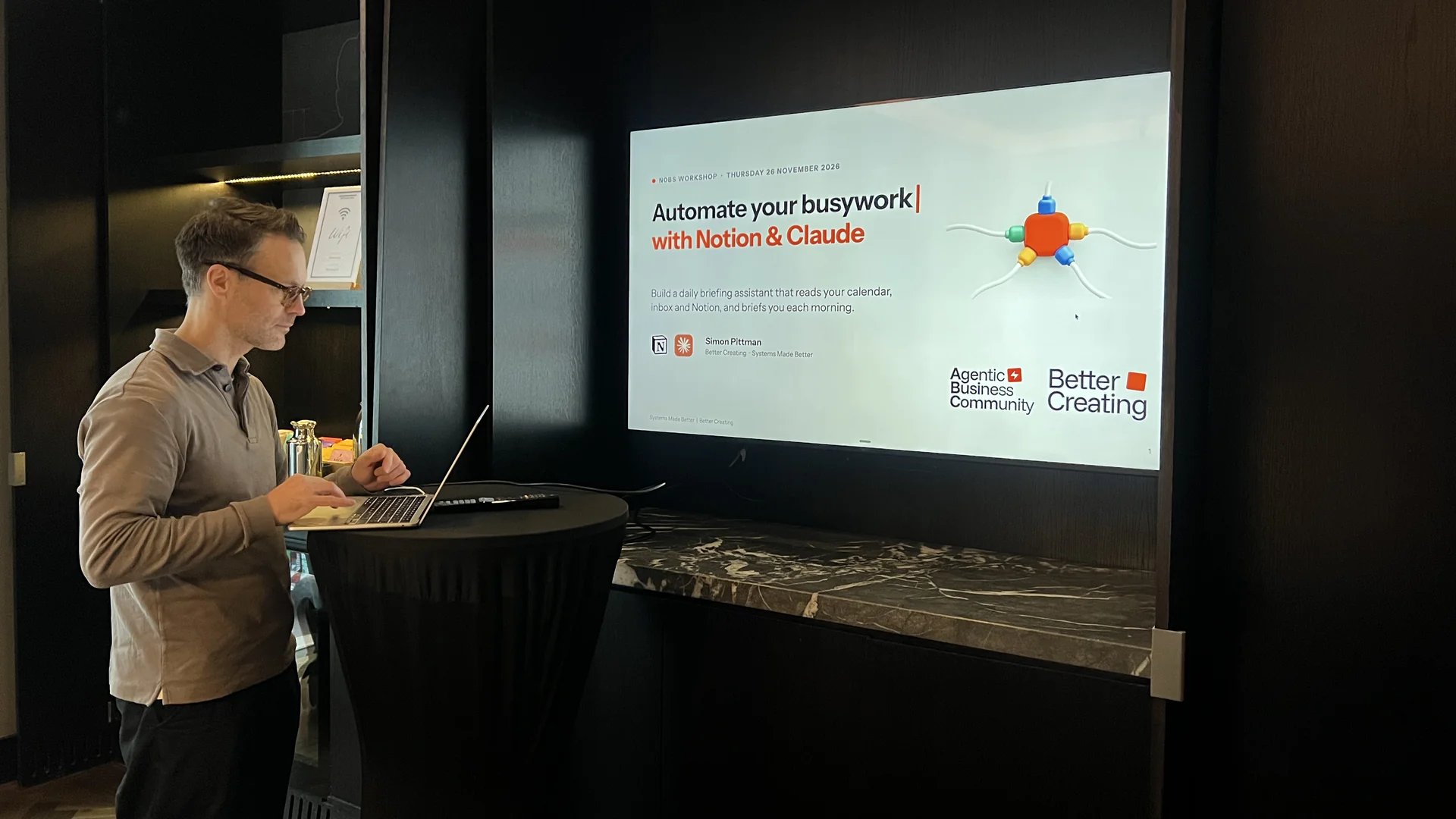
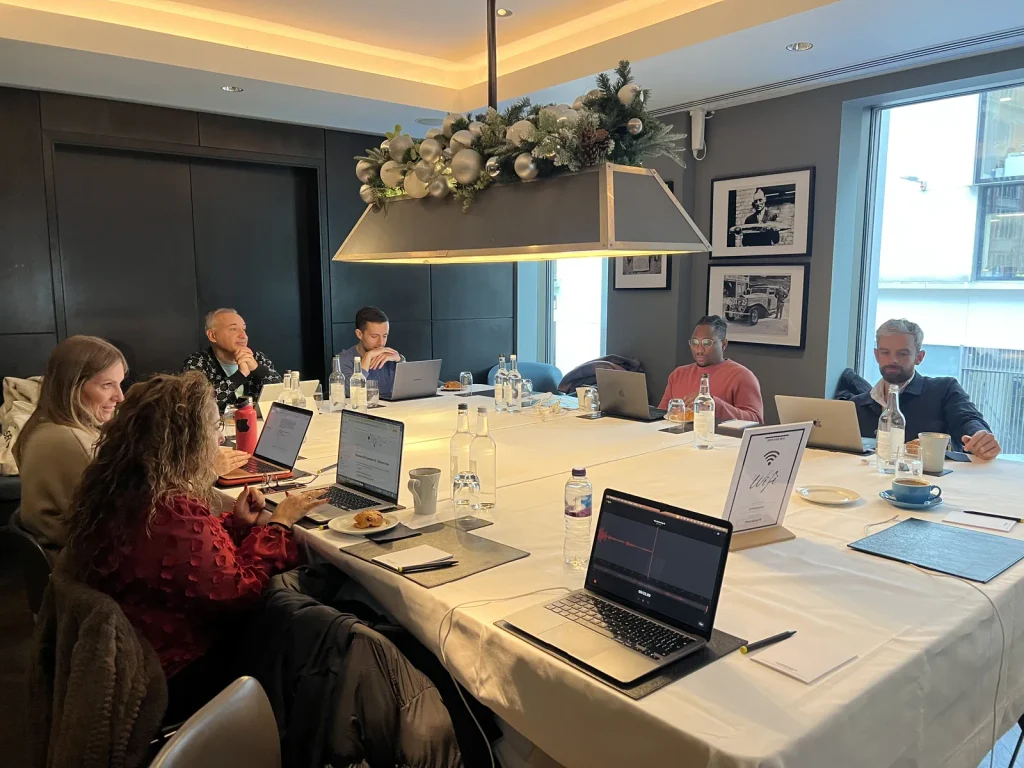
That was the question hanging over our workshop with Simon Pittman on Thursday 26th November. We took over Bluebird City, sat round a table with laptops open, and spent the morning working out how to hand off the busy work so we can get back to the work only we can do.
Simon is a Notion Ambassador who teaches non-technical founders to build systems with Notion, Claude and automation. He didn’t start in tech. He spent years in theatre and creative leadership, and during lockdown realised that breaking down creative processes and giving really good notes is exactly what working with AI needs.
Which, if you think about it, is quite a relief. You don’t need to be technical. You need to be clear.
AI is average by default
This was the line that landed hardest.
Out of the box, AI doesn’t know who you are, how you work or where anything lives. So you end up re-explaining your business in every new chat, and getting something bland back. Sound familiar?
Simon’s answer is to make your AI personal (it knows you and your business), powerful (it’s connected to the tools where your work actually happens) and portable. That last one is the bit most people skip.
Own your context. Don’t rent it.
Here’s the uncomfortable truth: if everything you’ve built lives inside one AI app, you’re stuck with it. Prices change. Tools change. Something better comes along.
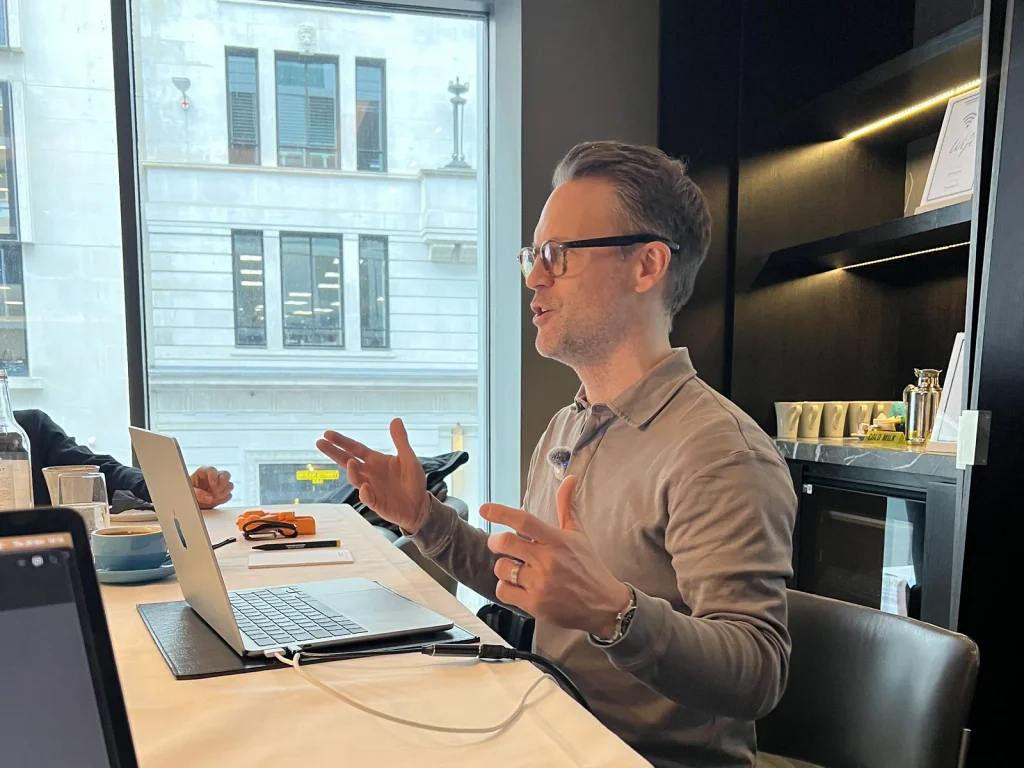
Simon keeps his instructions, skills and memory in one place he owns, so any AI can plug into it. For him that’s Notion, which he called the “Switzerland of AI”. But he was clear that it’s a choice, not a rule. A well-organised Dropbox or Google Drive folder does the job too.
The point is one source of truth, and one map of where everything is. Start with two short documents: who you are, and who your business is.
Pen and paper first. Yes, really.
Before anyone touched a laptop, Simon took us through his CASA framework for handing work to AI on purpose:
- Consolidate the information the job needs.
- Architect where it lives and how you want to see the results.
- Systematise the steps, with owners and human checks.
- Activate it, test it, and fix what breaks.
Then he made the room pick one weekly job and map it out across four squares of paper. With a pen.
His reasoning? These systems can make you lazy very quickly. Some of the thinking is worth keeping for yourself.
Most of it doesn’t even need AI
Simon finds that around 70% of what clients want automated is a simple “when this happens, do that” workflow. No intelligence required. So before you throw AI at a problem, check it actually needs it.
His other rules were just as blunt. Run the process by hand first, because if it’s painful for you, it will be painful for AI. Fix the mess before you automate it, because mess in means mess out. And fail small: break the job into little pieces so you can see exactly where it falls over.
When it does go wrong, it should never make things up. It should log the failure and tell you. Or, as Simon put it: fail loudly.
What we actually built
Then the laptops came out.
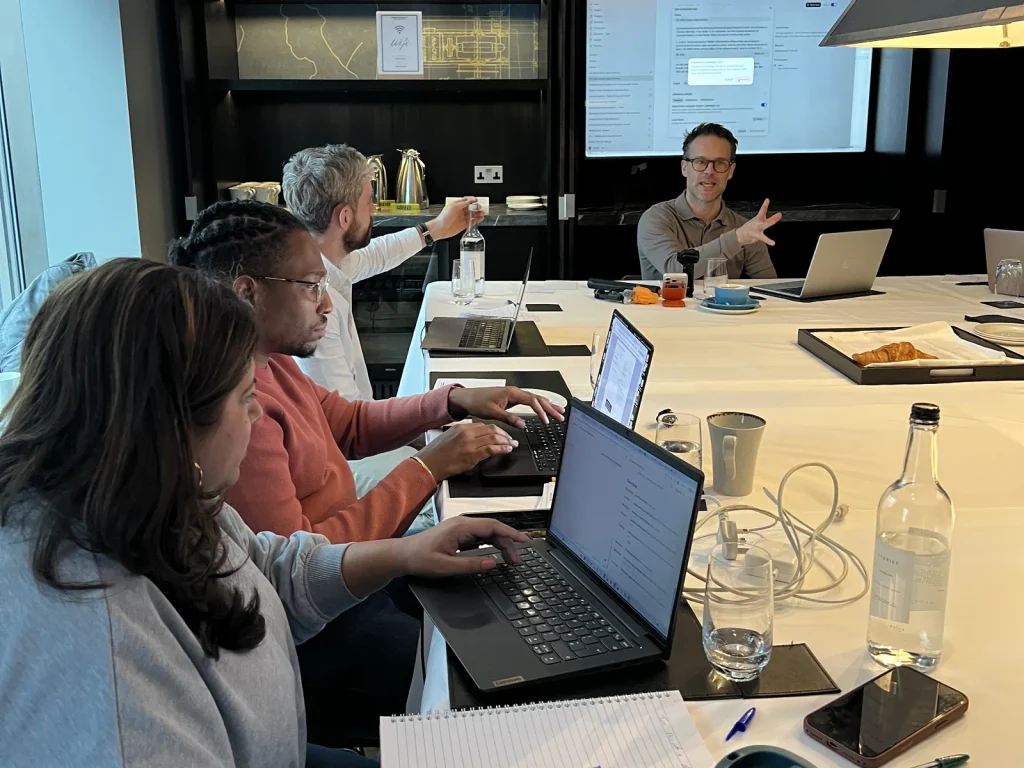
Everyone built a personal assistant that briefs them every morning. Starting from a Notion template Simon had set up, people connected Claude to Notion, their calendar, and their email, and gave it its own folder to work in.
Then they simply explained, in plain English, what they wanted. Where the information lives. What to read. What not to touch (read the emails, don’t reply to them). And how to show it: most important work first, then the day’s calendar, then what the team is up to, sorted using Stephen Covey’s urgent and important matrix.
One more prompt and it became a scheduled task that runs on its own each morning. By the break, some briefings were already landing in people’s own brand colours.
Simon also showed an “AI queue” in his task list. Assign a task to your AI, and your assistant picks it up and does it. Not just a to-do list. A colleague.
Who was in the room
The mix made it. A former lawyer helping people build companies of one. An ex-CFO turned founder coach. An author. A tax investigations specialist. A comedy creator. A trauma therapist. An IT operations consultant.
Some used Claude every day. Some had barely opened it. Everyone got stuck in.
And when the conversation turned to the fear of AI replacing people, Simon pushed back. For him, it’s not about replacement. It’s about working out which parts of your work you love, and getting your time back to do more of them.
What to steal if you weren’t there
- Write down who you are and who your business is, and make your AI read it every time.
- Keep your context somewhere you own.
- Pick one repetitive job and run it through CASA before you build a thing.
- Check whether it needs AI at all.
- When something works, ask your AI to turn it into a skill or a scheduled task.
- Give it a week. Treat it like a new assistant: check its work and make one small fix a day.
No bullsh*t: the tools will keep changing, but the principles won’t.
So, what’s the one job you’d hand off first.
Want more from Simon?
- Agentic Business Method: Simon’s community for non-technical freelancers and founders who want to organise their business and use AI without writing a line of code. Members get live office hours, AI-connected guides, a members’ chat and recorded sessions. It’s also home to his ready-made systems, including the Business OS Notion workspace and CoWork OS for Claude.
- Better Creating: Simon’s shop and content hub, with Notion and Claude templates, AI agent systems and links to his YouTube channels.
- simonpittman.com: his personal site, with details of his five-week live course, the Agentic Business Accelerator, plus speaking and the rest of his work.